
Verified training for frontline teams
Turn training videos into assessments and track renewals.
Create quizzes from the training you already have. Share no-login lessons, see who passed, and know when certificates are due to renew.
1 skill · Up to 5 learners · No credit card
Built for retail, logistics, and training teams
From training video to recorded assessment.
Upload a video, send the lesson to your team, and see who understood the material.
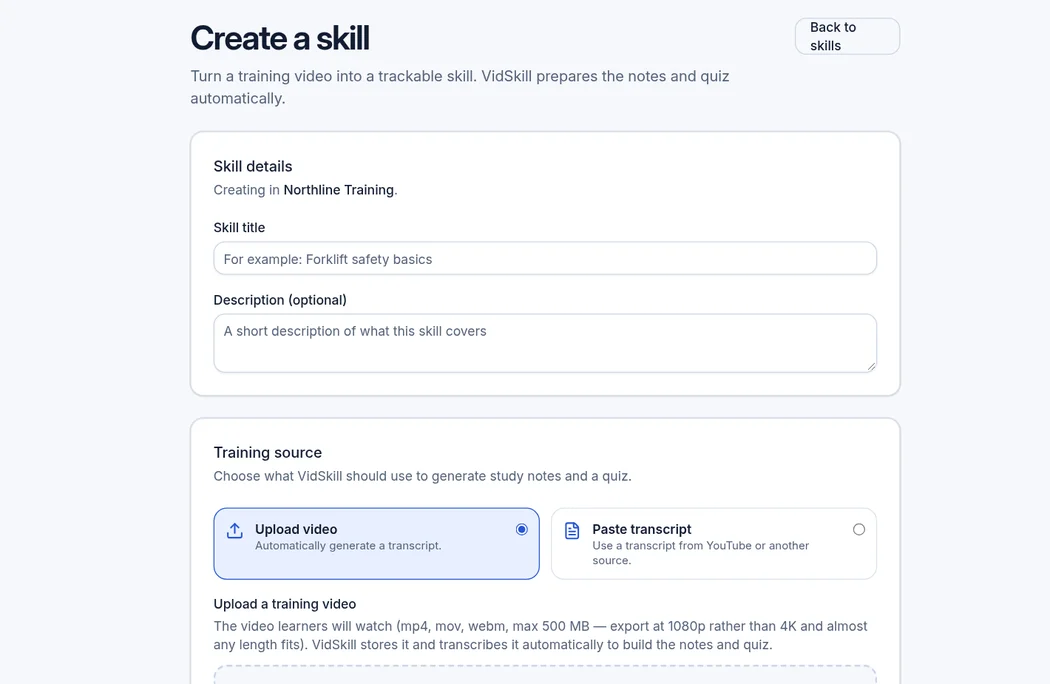
Add your training video
Upload an existing recording or paste a transcript. VidSkill generates study notes and a quiz from your material.
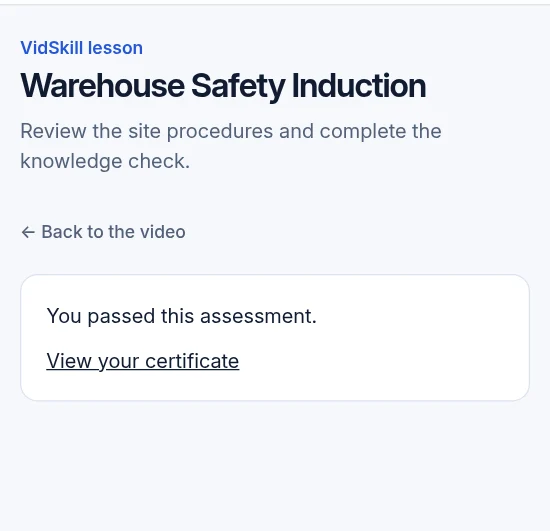
Share a personal lesson link
Add learners individually or import a roster. Each learner gets a private link they can open without a login.
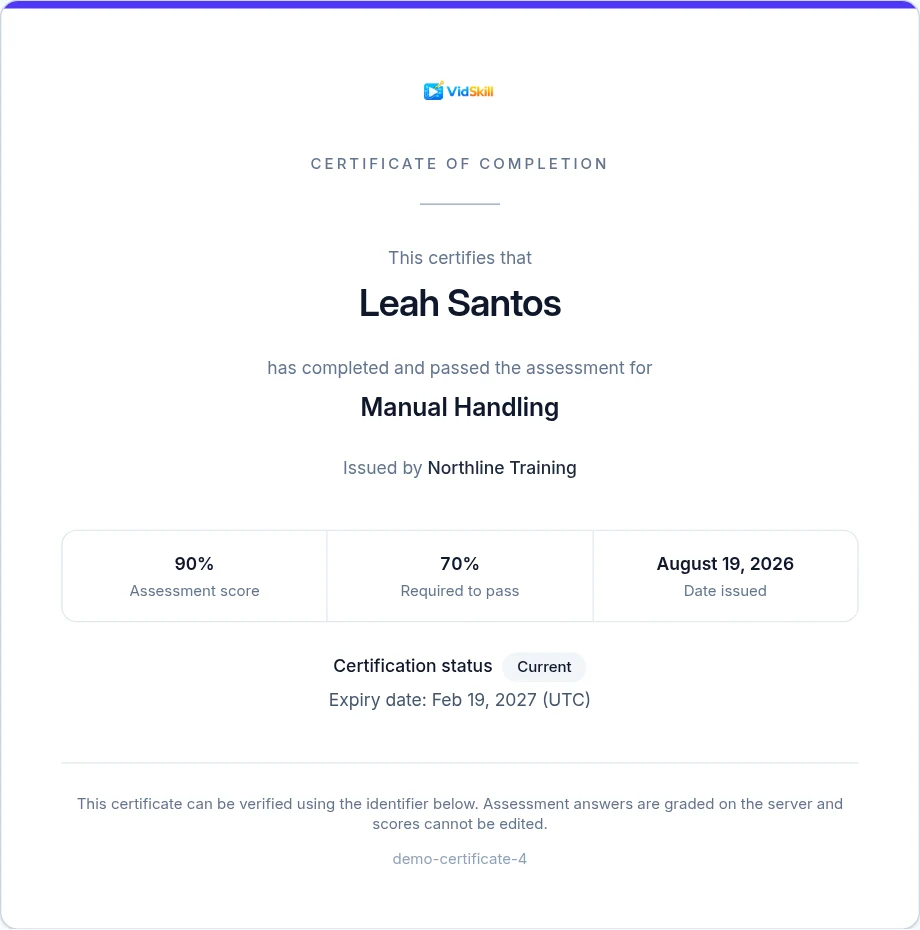
Review passes and certificates
See who still needs to pass, view scores, and track certificate expiry dates from one dashboard.
See who passed and who needs to renew.
- Check understanding
- New skills use a question bank that can vary questions by learner and retake. VidSkill grades each assessment automatically.
- Keep a training record
- Review scores and certificates, then print or export a report for an audit. View sample report
- Schedule refresher training
- Choose six- or twelve-month certificate validity. With an active subscription and expiry enabled, VidSkill sends renewal links and follow-up reminders.
Training reports for audits
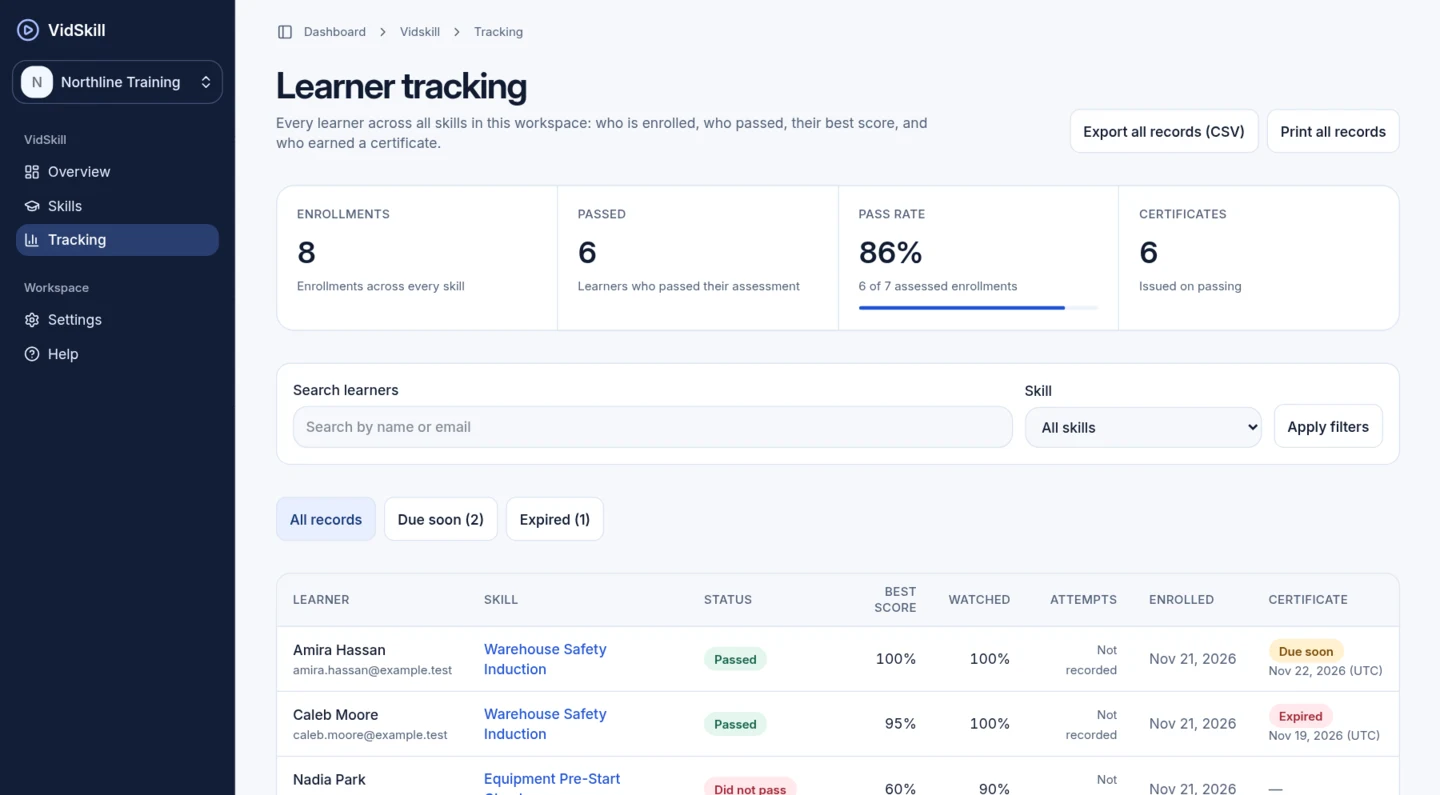
Pull a training record from Learner Tracking when an auditor or customer asks who completed a skill, who passed, and which certificates are current.
- Review scores, watch progress, and quiz attempts.
- See certificate status, expiry dates, and reference IDs.
- Print the report, save it as a PDF, or export records as CSV.

Built for frontline and industrial training.
Onboarding and induction
Give every new starter a consistent site introduction and assessment.
Safety and compliance
Keep a record of who passed and when their refresher training is due.
SOP and process training
Share updated procedures across shifts and sites.
Maintenance and troubleshooting
Turn a technician’s walkthrough into a lesson the next crew can use.
Simple monthly plans, priced by active learners.
Try one skill with up to five learners for 14 days. Paid plans include unlimited skills and automatic certificate renewal reminders when expiry is enabled.
Starter
$149/mo
50 active learners / month
Pro
$349/mo
200 active learners / month
Business
$699/mo
500 active learners / month
Enterprise
Custom
Custom learner capacity
Try VidSkill with one training video.
Share a lesson with your team and see who passes.